Designing a simpler way to collect and work with visual references
Project Type
Side project
Project Involvements
Product Direction, Visual Design, Agentic Product Development
Project Timeline
Ongoing
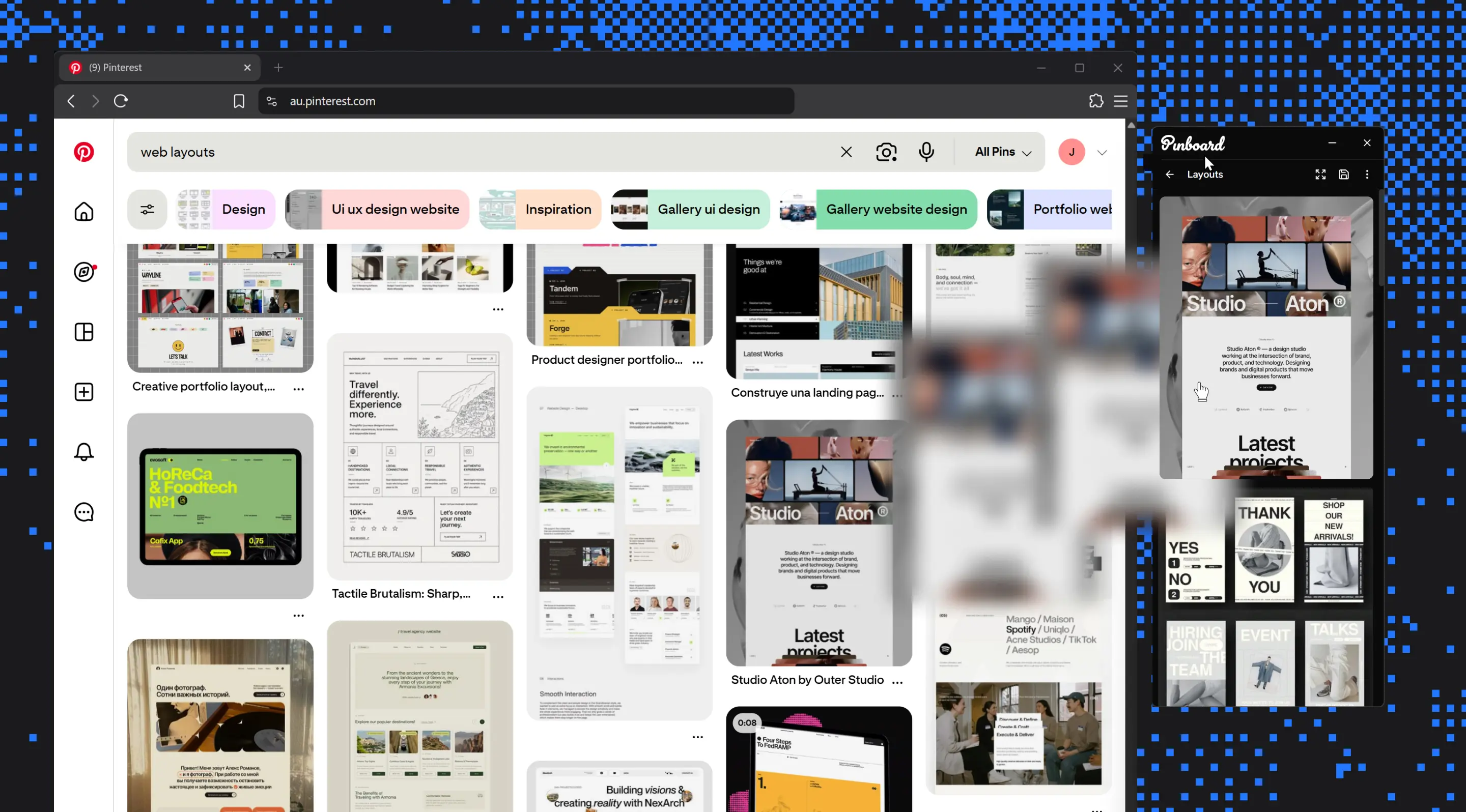
The biggest problem when working with visual references is accessibility.
A visual reference is most useful when you are actively making a design decision, whether that is choosing a colour, setting spacing, or working out a layout. For that to happen, the reference needs to be visible alongside your work. Instead, they are sitting in your browser tabs, apps, or scattered across your canvas.
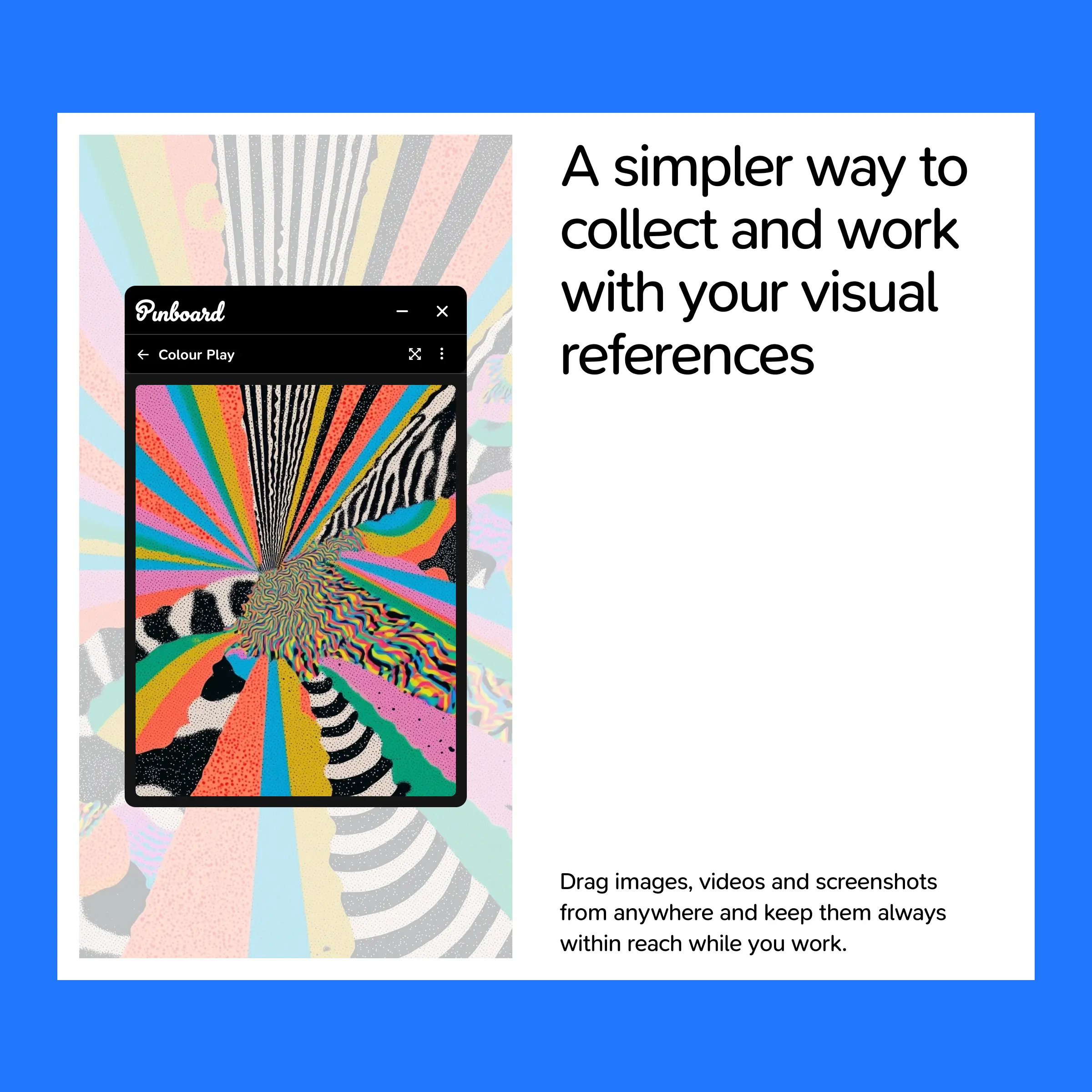
Pinboard is a desktop app that lives docked to the edge of the screen as an always-on-top window.
Drag and drop images and videos from anywhere
Pinboard handles the messy, inconsistent markup so you do not have to troubleshoot failed imports mid-research. Every reference automatically carries its origin, so you can trace it back later without having to bookmark or annotate it yourself.
View references up close
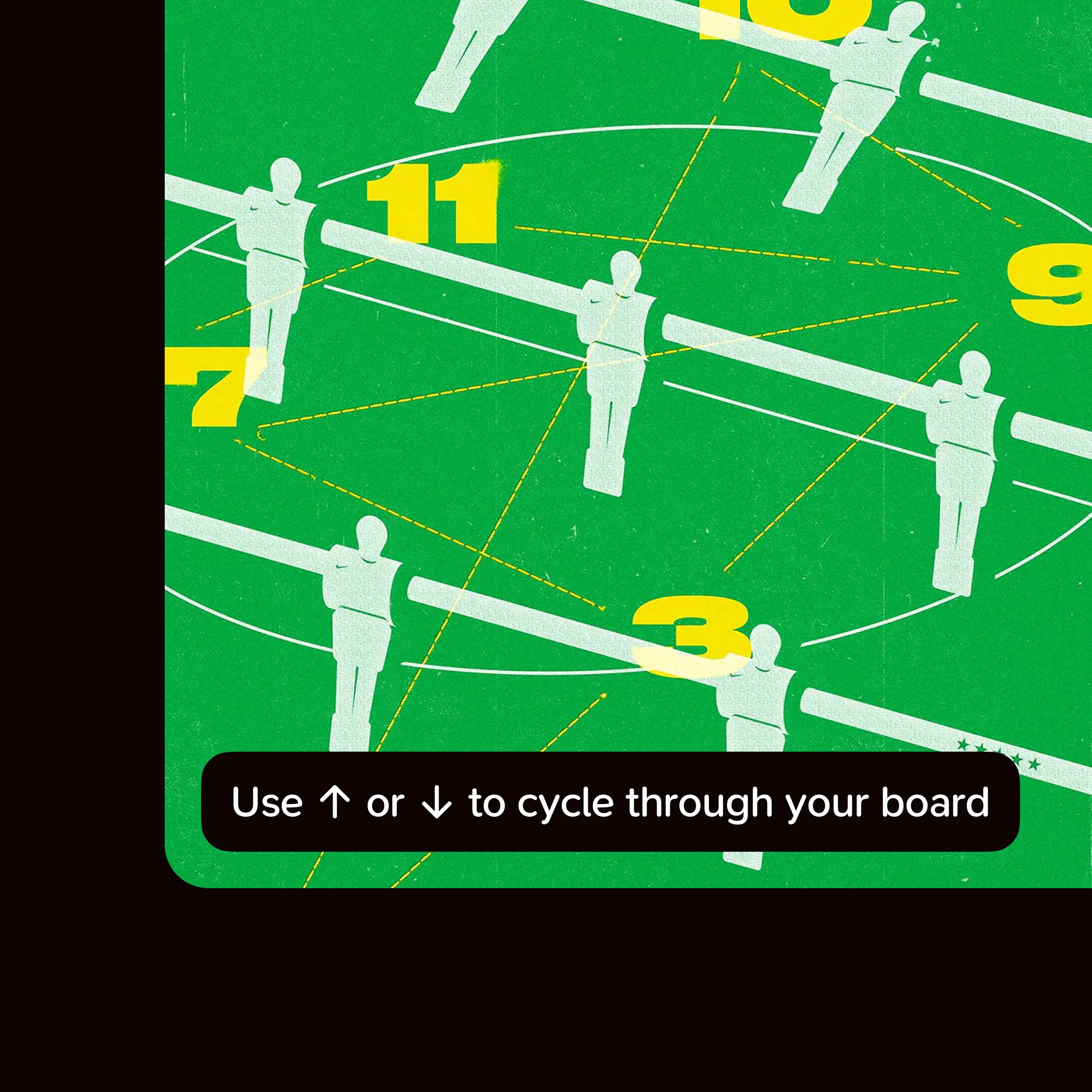
A moodboard grid is good for overview but bad for detail. Dedicated media viewers help you study and work with specific references without losing the context of the board. You can use arrow keys to cycle through other references in the board.
Drag references out to where you are working
Drag a reference out of Pinboard and drop it in apps like Figma, Illustrator, etc at full resolution. No more saving and then importing files.
Full screen board view
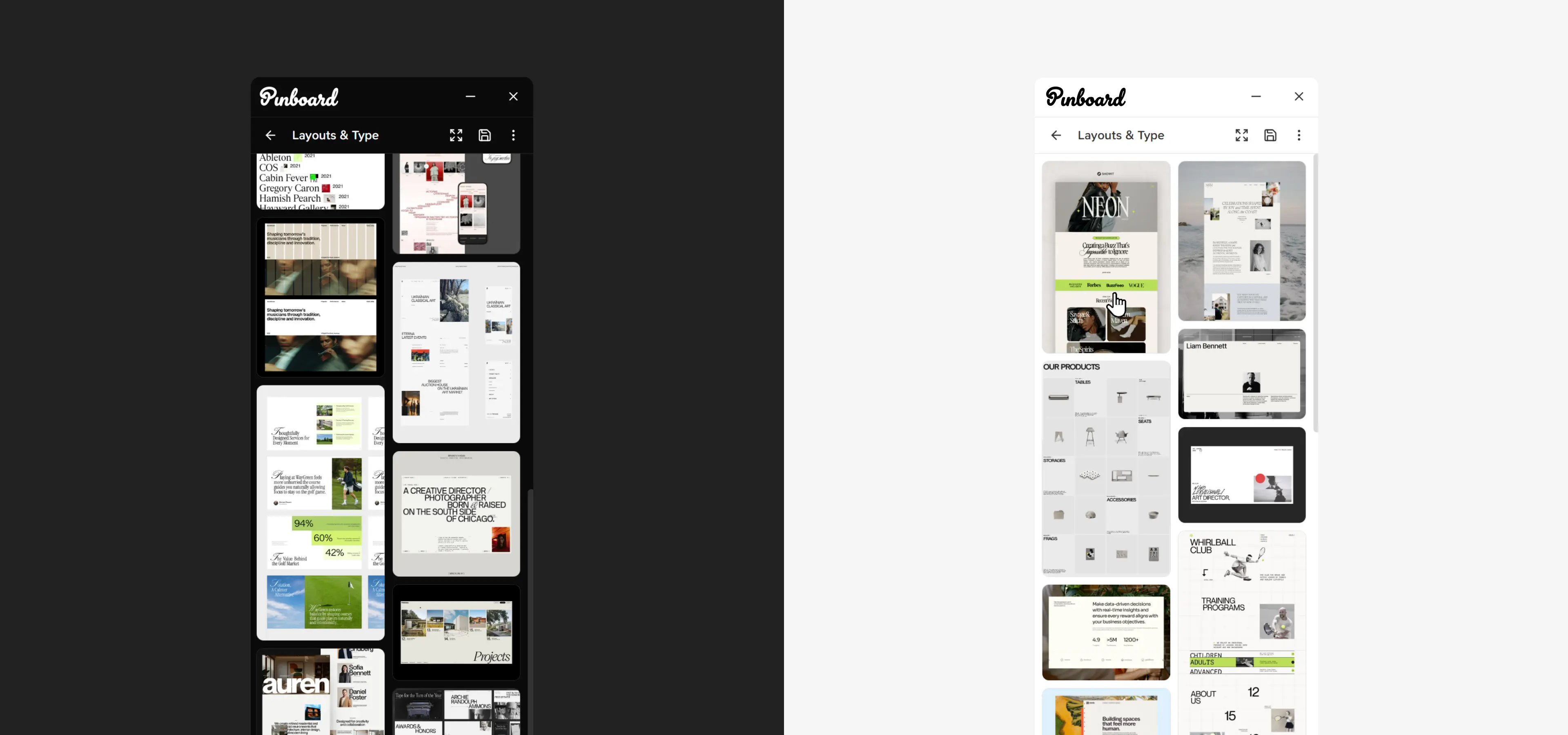
Open your entire board in a separate fullscreen window and zoom and pan around the board to quickly look through your references without switching apps. This is especially useful when you're working with two monitors, where you can keep your references on one screen while working in another.
Pinboard is currently being tested with a small group of designers
The current focus is understanding how designers use it in their day-to-day workflow, where it saves time, and which parts of the experience still need refinement.
Things I learned from this project
Building an Electron app
This was my first substantial Electron app. The most useful thing I learned is that I can build one. Coming from a React background, the desktop-specific parts and terminologies were unfamiliar and now they aren't. Learning the vocabulary alone has removed a lot of the fear of building a desktop app.
Working with AI
The project also changed how I think about working with AI. I stayed in control of the design and the feel of the app and the agents handled how it worked underneath. That division played to both of our strengths.